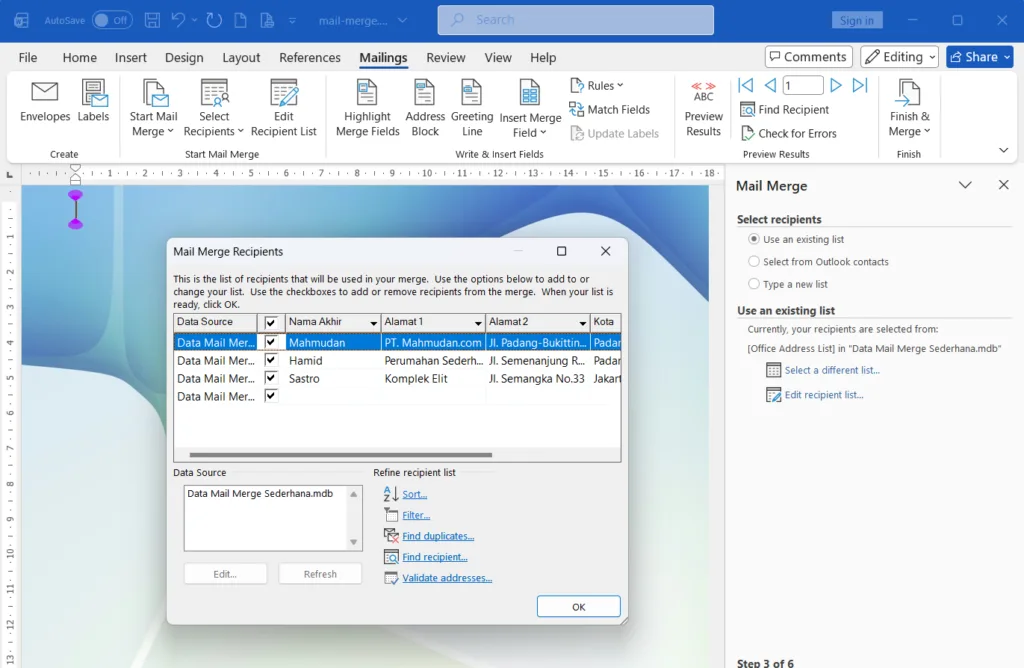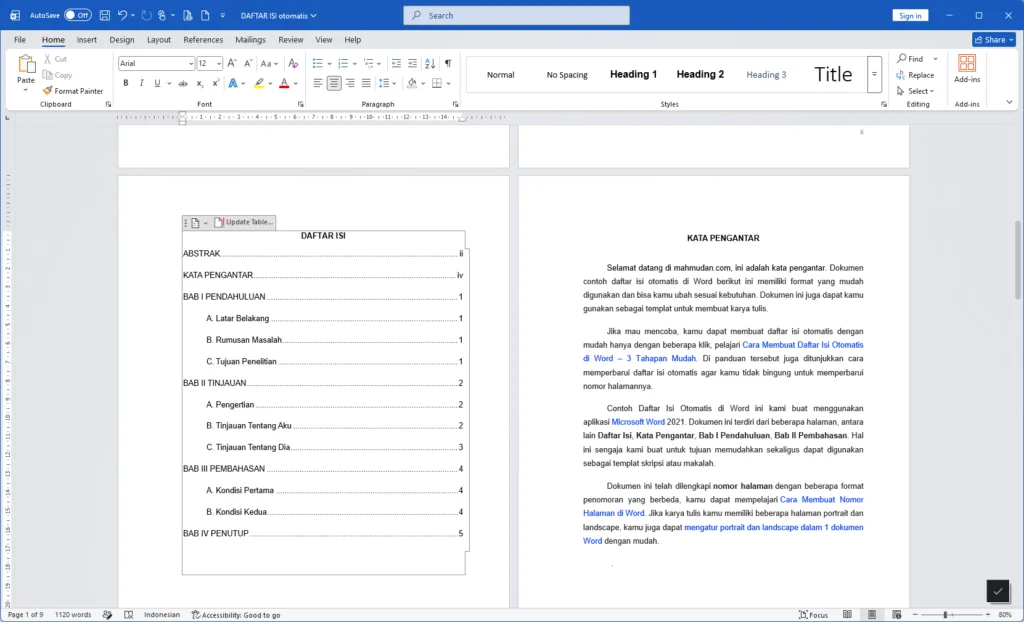
The following example document for an automatic table of contents in Word has an easy-to-use format and you can change it according to your needs. You can also use this document as a template for creating written work.
You can create an automatic table of contents easily with just a few clicks, learnHow to Create an Automatic Table of Contents in Word – 3 Easy Stages. The guide also shows how to update the table of contents automatically so you don't get confused about updating the page numbers.
Mahmudan created this example of an automatic table of contents in Word using the application Microsoft Word 2021. This document consists of several pages, among others List of contents, Foreword, Chapter I Introduction, Chapter II Discussion. We deliberately made this for the purpose of making it easier and can be used as a template for a thesis or paper.
This document has been completedpage number with several different numbering formats, you can learnHow to Make Page Numbers in Word. If your written work has several portrait and landscape pages, you can tooset portrait and landscape in 1 Word document easily.
Download an example of an automatic table of contents
This document is named Automatic Table of Contents.docx and saved in Google Drive so you don't need to worry about security.
Hope it is useful.